Clock-ins you can’t trust
Paper sheets, photos and texts. Nobody is sure who worked, where, and for how long.
Workforce software for hotels, staffing agencies and hourly teams.
Manage attendance, review timesheets, prepare client invoices, and export payroll-ready hours across multiple locations. Less manual work. Better visibility. One connected platform.
30 minutes with an operator. No contract to talk.Timesheet review
Harbor View · Week 44
The problem
Paper sheets, photos and texts. Nobody is sure who worked, where, and for how long.
Every week someone retypes hours, checks overtime and builds payroll in a spreadsheet.
Shift updates get lost in group chats, and tax dates and renewals live in someone’s head.
How it works
Workers scan the site QR code with their phone.
Maria · 6:58 AM · Harbor ViewHours, breaks and overtime fill in on their own. The week closes at cutoff.
38.5 REG · 4.0 OTIf you bill clients, invoices build from the same hours, with bill rates and tax lines.
INV-1042 · ready to sendApproved regular and overtime hours export to ADP, or as a workbook for your payroll provider.
ADP CSV · readyUse every step, or only the ones you need. Example uses sample data.
Replace your stack
Modules
Start with clock-in. Add invoicing, payroll export, reports, messaging or reminders when you’re ready. Everything shares the same hours, so nothing is typed twice.
QR clock-in and clock-out, clock-in records and overtime rules across sites.
Generated automatically at weekly cutoff, with regular and overtime hours.
Invoices built from approved hours, rates and tax lines, and tracked from sent to paid.
Regular and overtime hours calculated and exported to ADP, or as a workbook for your payroll provider.
Hours by site and job for any day, week or month, with an Excel export.
Invoiced revenue by client, site and period, and what is still awaiting payment.
Reach your team on WhatsApp, in-app messages or email, from one place.
Never miss a tax deadline, renewal or work-permit date.
Industries
Proven every day in hospitality and staffing, where Ombasio was born.

Hospitality
Housekeeping, food service and maintenance teams. Labor reports for every property.
See how it works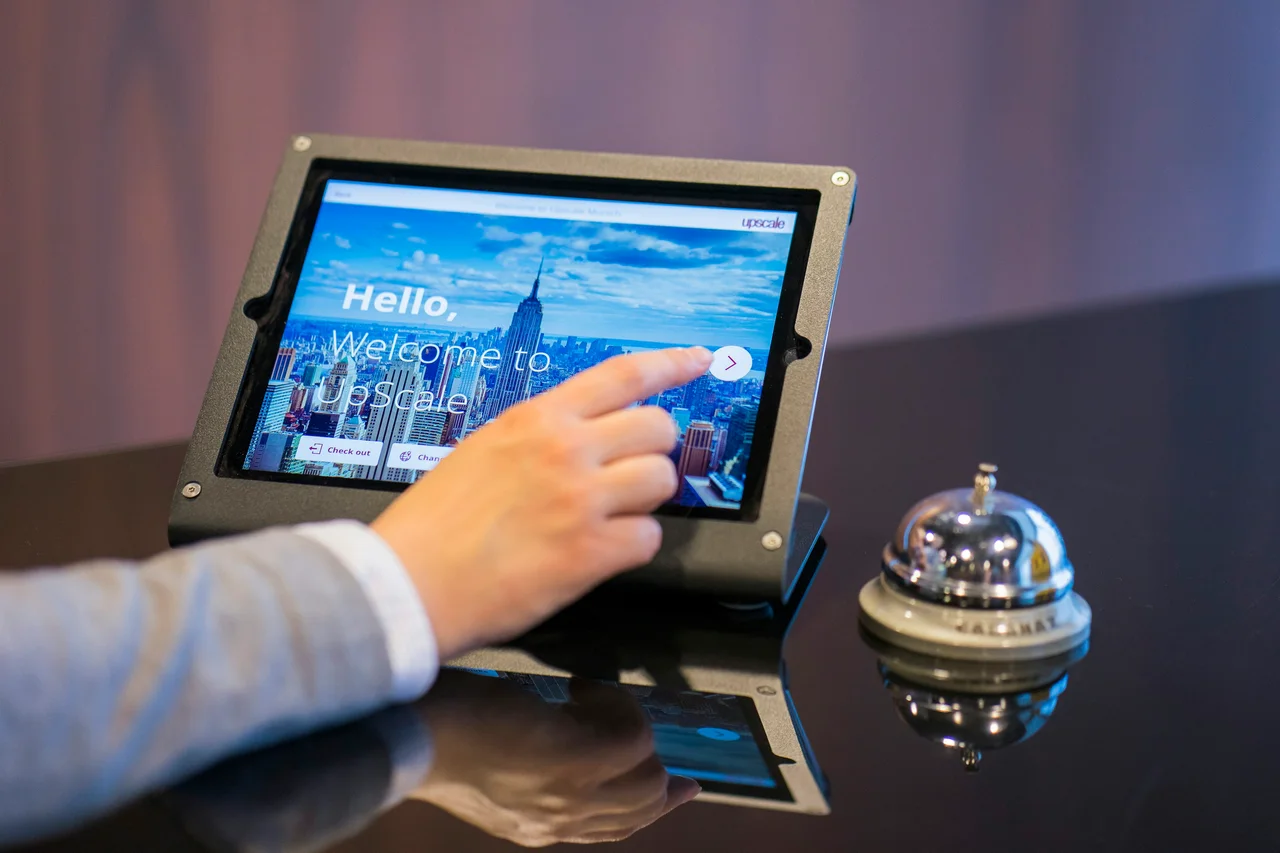
Staffing agencies
Automatic timesheets, client invoices and payroll-ready exports to ADP.
See how it worksAlso works for manufacturing, facilities and cleaning, construction and other hourly teams.
Revenue and unpaid invoices in one dashboard.
Every site’s hours and overtime in one view.
Invoices and payroll export ready at cutoff, without re-typing.
Clock records and the week’s sign-off for their own sites.
Our story
We run hourly teams across five states, at hotels and resorts. Every week our office chased clock-in records, built timesheets, worked out payroll and created invoices by hand. So we built one system that does it all. We run on it every day, and now any company with hourly staff can use it.

Staff never see invoices or revenue.
Your company retains ownership of its data.
Changes are logged with who made them and when.
Every page and request runs over HTTPS.
Simple, modular pricing
Start with clock-in and timesheets. Add invoicing, payroll export, messaging and reminders as you need them. Guided 30-day pilot included.
Book a demoFAQ
Clear answers before you begin a guided pilot.
Yes. Start with clock-in and timesheets, and add invoicing, payroll export, messaging or reminders when you need them.
No. Ombasio handles clock-in, timesheets, invoicing and payroll-ready exports. Tax withholding, paying employees and filings stay with ADP or your payroll provider.
Yes. Ombasio calculates regular and overtime hours and exports a payroll-ready file: an ADP CSV and an Excel workbook. Your payroll provider pays employees and handles taxes.
Yes. We set up one site in a guided 30-day pilot, and you run at least one real weekly cutoff before you decide.
Hours from every site in the same week count together, so overtime is caught before payroll.
No. Workers sign in on their phone’s browser and scan the site QR code to clock in and out. There is nothing to install.
Only your team. Your workers, rates, payroll and invoices are never shared or used for anything else.
Your next weekly cutoff
30 minutes, with an operator, not a script.